Overview
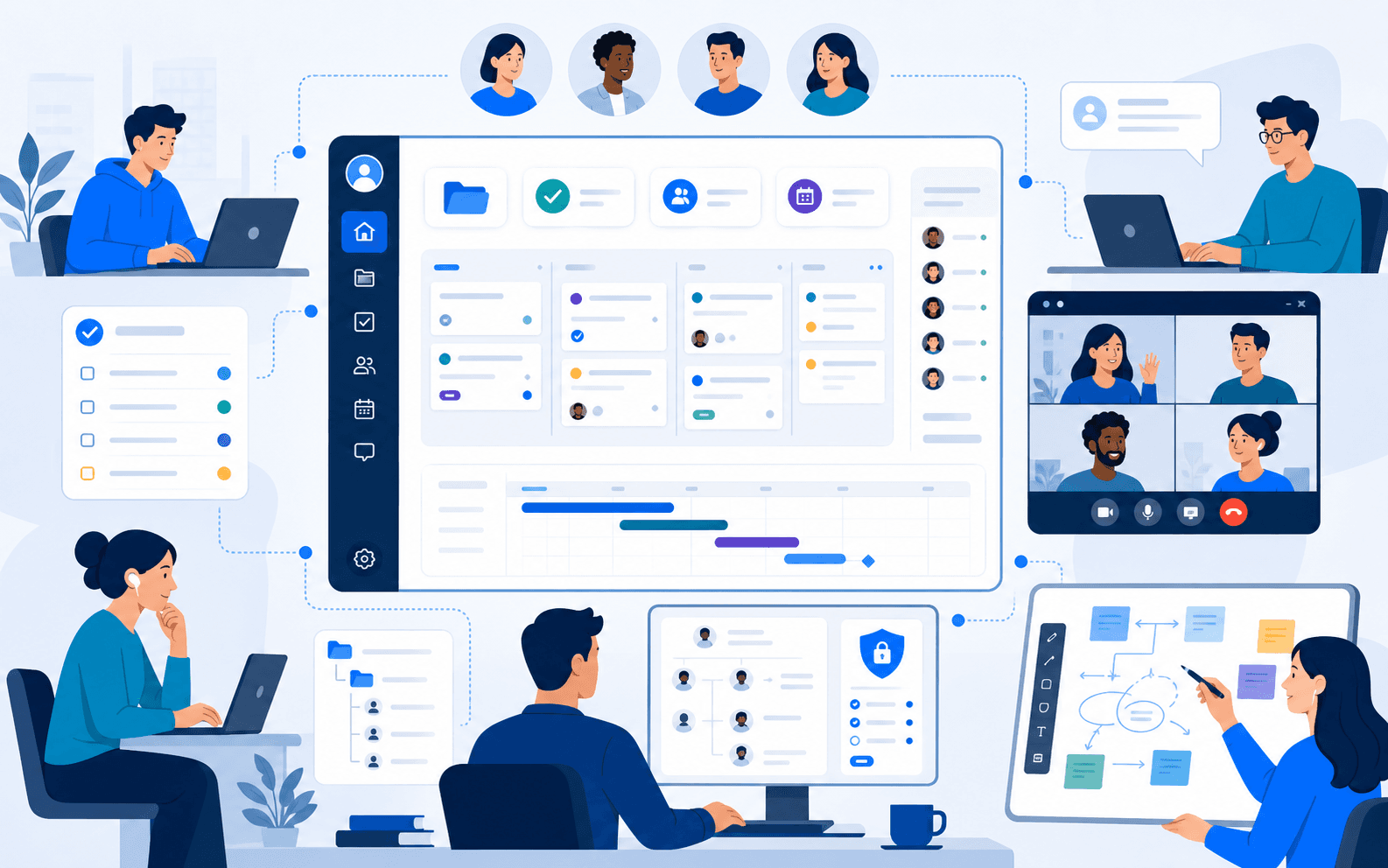
Teams often plan tasks in one system, hold meetings in another, and capture working ideas somewhere else entirely. That separation makes decisions harder to trace and leaves follow-up work dependent on manual coordination, someone has to remember to turn a meeting decision into a task, or a whiteboard sketch into a tracked project item, and that manual step is exactly where things get lost. Team1.co needed to provide a central working context for projects, tasks, employees, agendas, meetings, calls, and visual collaboration, built on a React, Node.js, and MongoDB foundation, so that connection happened by design rather than by memory. The decision worth examining in this case study is not any individual module, it is the architectural choice to organise the entire product around organisational work itself rather than around a set of standalone collaboration tools.
Where the fragmentation came from
Within iEncode Tech's project and team collaboration work, most organisations do not choose fragmented tooling deliberately; it accumulates as different needs get solved with different point solutions over time, a task tracker adopted by one team, a meeting tool adopted for another reason, a whiteboard app tried once and never fully abandoned. Each tool solves its own problem well enough in isolation, but none of them know about the others, so the connections between a meeting's outcome and the tasks it should produce exist only in someone's memory. Team1.co's brief was to replace that accumulated fragmentation with one coherent workspace, not to build another point solution that would eventually join the pile.
The core challenge
Building one workspace to replace several disconnected tools raises a breadth problem that a single-purpose app never has to face:
- Every module, projects, tasks, meetings, calls, whiteboard, employee management, needed its own clear, complete workflow rather than a shallow placeholder feature bolted on to round out a feature list
- The product had to avoid feeling fragmented despite covering a wide functional surface, so users would experience it as one workspace, not a bundle of separate tools wearing the same visual theme
- Meetings needed to be treated as part of delivery work, not as a communications feature bolted onto a project tracker as an afterthought
- The digital whiteboard needed to extend collaboration without losing the surrounding project and task context that gave it meaning
- Access and permissions needed to scale sensibly as an organisation's employee and user base grew, without becoming a maintenance burden of its own
Discovery and defining the goals
The discovery question at the centre of this project was structural rather than feature-based: what is the actual unit of organisational work, and how do meetings, calls, and whiteboard sessions relate to it. The answer that shaped the platform was that projects and tasks, and the people responsible for them, are the real organising unit, while meetings, calls, and whiteboarding are activities that happen in service of that work rather than separate categories competing for their own place in the navigation. That reframing set the goals directly: make every module connect back to the project and task structure it relates to, and make navigation reflect organisational work rather than a list of tool categories.
Strategy and solution approach
iEncode Tech organised navigation and access around organisational work itself, projects, tasks, and the people responsible for them, rather than around a set of disconnected tool categories. Meetings were built with agendas and follow-up in mind, positioning them as part of the delivery process instead of a separate communications layer that existed apart from the work it was meant to support.
Audio and video calling were integrated directly into that same working context, and the digital whiteboard was designed to extend collaboration without losing the surrounding project context, so a whiteboard session connects back to the project and task structure it relates to, rather than existing as an isolated canvas. Employee, user, and access management underpinned all of it, giving the platform a way to scale permissions as organisations grow.
Designing one workspace, not a bundle of tools
Information architecture was the primary design problem in this project, more than any individual screen. Navigation was built around projects and tasks as the entry point, with meetings, calls, and the whiteboard reachable from within that context rather than sitting as equal, disconnected items in a top-level menu. That structural choice is what makes the product feel like one workspace: a user arriving to check a project naturally finds the meetings and whiteboard sessions connected to it, rather than needing to remember which separate tool holds the information they are looking for. Visual consistency across every module reinforced that same message, that this is one product with many capabilities, not several products sharing a login screen.
Building the platform
Project and task management
Projects and tasks form the organisational spine of the platform, with clear ownership, giving every other module something concrete to connect back to.
Meetings and agendas
Meeting scheduling and agendas are positioned as part of delivery work, connected to the projects and tasks they relate to, rather than existing as a standalone communications feature.
Audio and video calling
WebRTC-based calling happens inside the same working context as the agenda and follow-up tasks a meeting produces, rather than routing users out to a separate conferencing tool.
Digital whiteboard
The whiteboard extends collaboration visually while staying connected to the surrounding project and task structure, so a session retains its meaning after the meeting ends.
Access and employee management
Employee, user, and access management give the platform a way to scale permissions sensibly as an organisation's team and user base grow, without turning access control into its own maintenance burden.
Technology and architecture
- Frontend: React drives the interface, giving the workspace a component-based structure that can present projects, tasks, meetings, and the whiteboard as connected views without duplicating logic across screens.
- Backend: Node.js and Express.js power the API layer, chosen for a non-blocking runtime well suited to a product where many small updates, task changes, chat messages, whiteboard strokes, happen concurrently across a team.
- Database: MongoDB stores project, task, and organisational data in a flexible document model that adapts as modules like meetings, agendas, and whiteboards evolve independently of one another.
- Real-time and communication: WebSockets keep boards, tasks, and whiteboard sessions updated in real time, and WebRTC powers the built-in audio and video calling.
- Supporting services: Google APIs and Firebase provide authentication, analytics, and push notifications; MailGun and an SMS gateway deliver meeting reminders and assignment notifications; AWS (EC2, Lambda, S3, Route 53) hosts the application, handles background processing, and stores whiteboard and file assets.
Where the build got hard
The hardest problem in this project was breadth without fragmentation: shipping projects, tasks, meetings, calls, and a whiteboard as genuinely complete features, while keeping the whole thing feeling like one product rather than a loose bundle. It would have been faster to build each module as a semi-independent feature and connect them superficially through shared navigation, but that approach tends to produce exactly the fragmented experience the product was meant to replace. Instead, every module was built to reference the same underlying project and task data, so a meeting or whiteboard session is never just associated with a project by a label, it is structurally connected to it.
Real-time synchronisation across that many concurrent activity types, task updates, chat, whiteboard strokes, calls, was the second genuine difficulty. WebSocket-based updates had to stay reliable across a wide functional surface without one module's activity degrading another's responsiveness, which required treating real-time infrastructure as a shared platform concern rather than something each module implemented independently.
Results and impact
The delivered workspace closed the gap between planning and doing: because meetings, tasks, and whiteboard sessions all reference the same underlying project structure, a decision reached in a meeting no longer depends on someone remembering to turn it into a tracked task afterwards. WebSocket-driven updates keep that structure current across every module as changes happen, and the Node.js and MongoDB foundation gives the platform room to add users, projects, and modules over time without its coherence breaking down as the organisation grows.
What this project reinforced
Information architecture, not feature count, is what determines whether a broad product feels coherent or fragmented. Organising navigation around the real unit of work, rather than around tool categories, is a decision that shaped this entire product and now informs how iEncode Tech approaches any web application covering a wide functional surface, including the role-based portal work behind 2Legit Volleyball.
Managing projects, meetings, and team collaboration across too many disconnected tools? Talk to iEncode Tech about a unified workspace built around how your organisation actually works, or see the Team1.co project overview for a portfolio-style summary of what shipped.